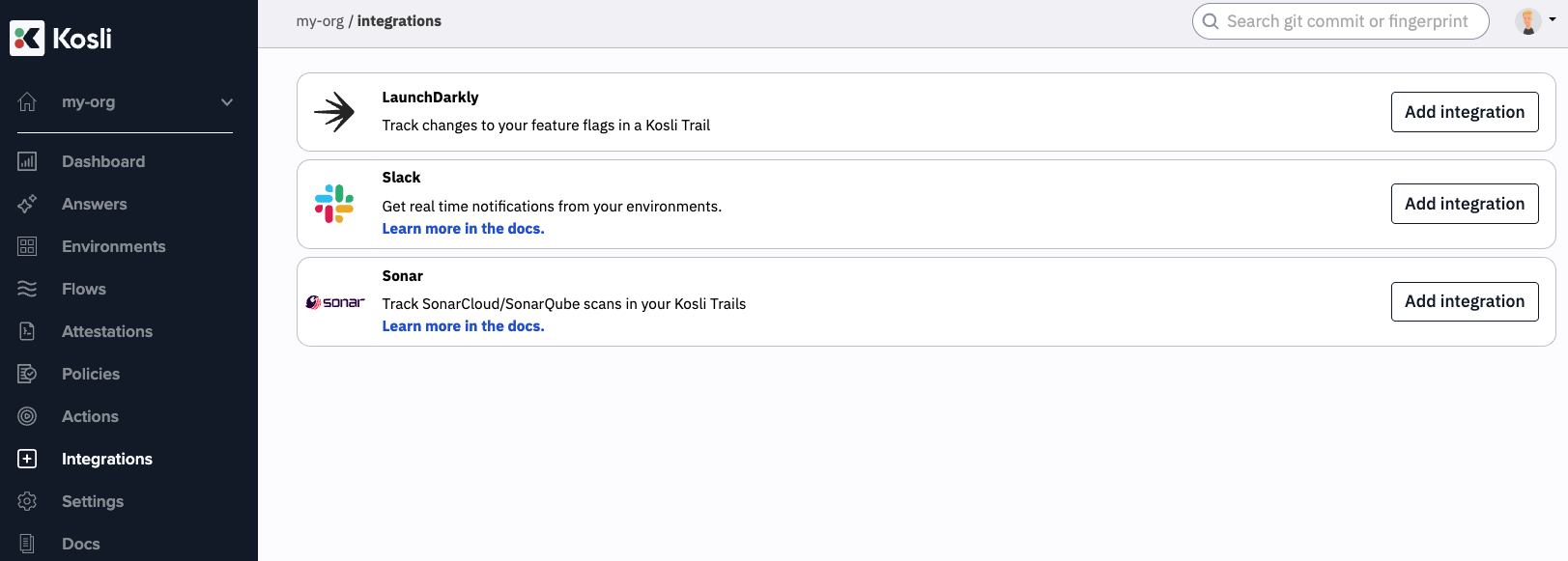
LaunchDarkly feature flag changes can be tracked in Kosli trails.
Setting up in Kosli
To set up the integration, navigate to the LaunchDarkly integration page of your org in the Kosli app.
After switching on the integration, you will be provided with a webhook and a secret.
Setting up in LaunchDarkly
You’re now just a few steps away from connecting LaunchDarkly to Kosli.
In LaunchDarkly:
- Navigate to the “Integrations” tab
- Create a new webhook integration
- Enter the webhook url and secret in the relevant fields
- Add policy statements for flags and environments for which you’d like to send information Kosli. By leaving these policy statements blank, all flag changes in all environments will report back to Kosli.
- Save the settings
Testing the integration
To make sure the integration is configured properly, switch a feature flag on or off.
The first time a flag is changed in a LaunchDarkly environment, a Flow will be created in Kosli titled launch-darkly-<your_environment_name>, and inside this flow a trail will be created named after the name of your feature flag.
All changes to this flag will be found in the trail.
Subsequently, any change to a feature flag in this environment will be tracked in the appropriate trail. Last modified on March 10, 2026